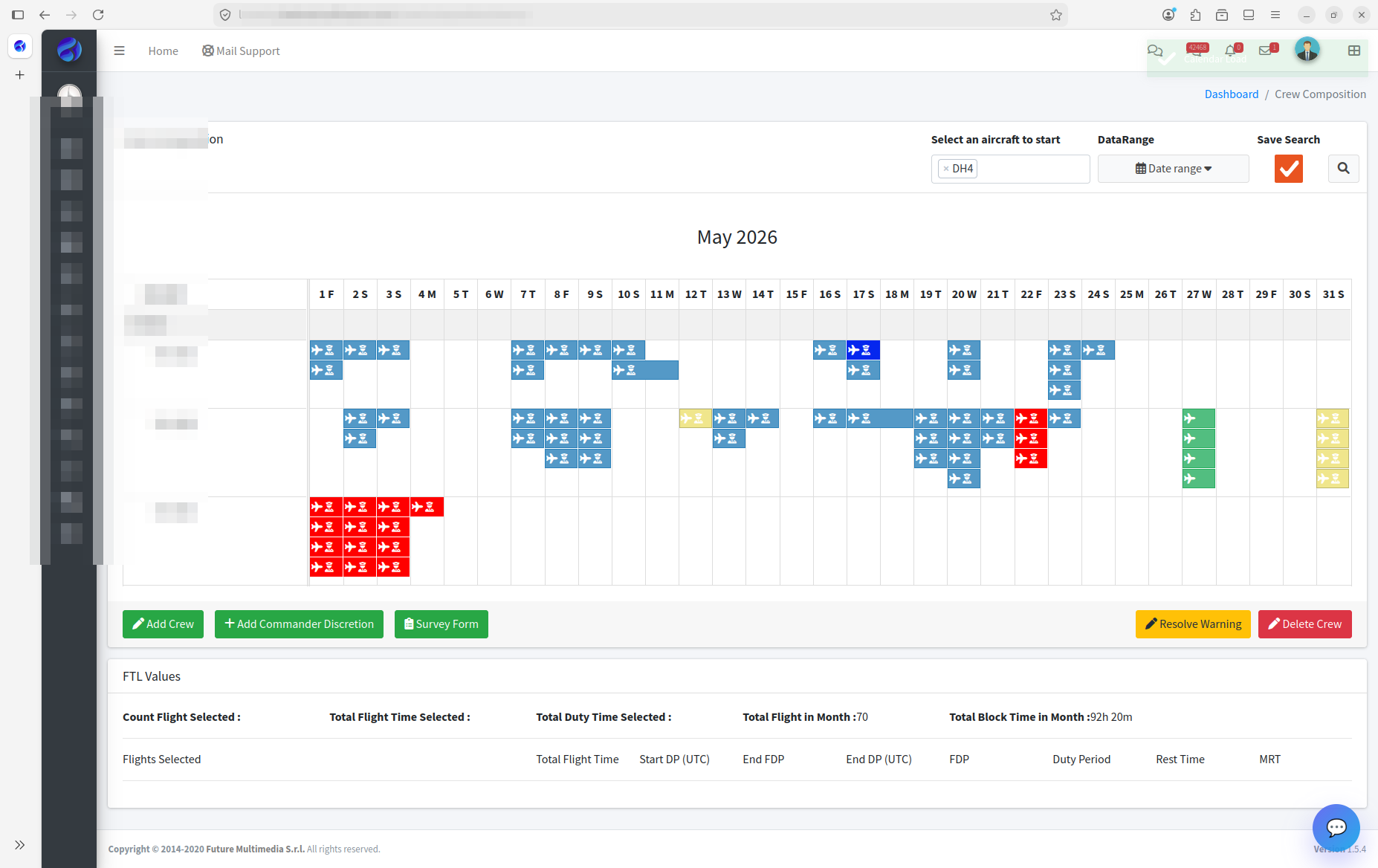
Plan pilots and cabin crew on a master plan, assign them to flights with a live EASA FTL check, and push every change to the crew's phone with a one-tap acknowledgement.
Crew scheduling in small-fleet operations is one of the highest-stakes activities in the company. A single late change can breach flight time limitations, expose the operator to findings and ground a flight that has already been sold.
Most operators still roster in Excel, with legality checked afterwards by the same person who did the assignment.
In BXI, crew are assigned on the same flight record ops and sales use. As you assign, the duty is checked against the operator's FTL parameters: flight duty period against the maximum, rest and minimum rest, split duty, FDP extensions and pick-ups.
Changes are pushed to the crew through BXI Mobile. Crew acknowledge them with one tap, and reminders go out automatically to anyone who has not.
When a captain calls in sick at 22:00, the scheduler sees who is legal for the leg before calling anyone. When the roster changes, the crew get a push notification with the old and new times side by side — not a phone call at midnight.
Crew Scheduling reads flights from Flight Planning and writes the assigned crew back, which then flows to the OCC Dashboard, the briefing, the GenDec and the crew's app. Certifications feed the legality check, so an expired type rating or airport qualification is flagged automatically.